
BeatCraft

Your rhythm.
From practice
to performance.

Shape your rhythms, save your presets, and build setlists for rehearsal and the stage.

Available on the App Store

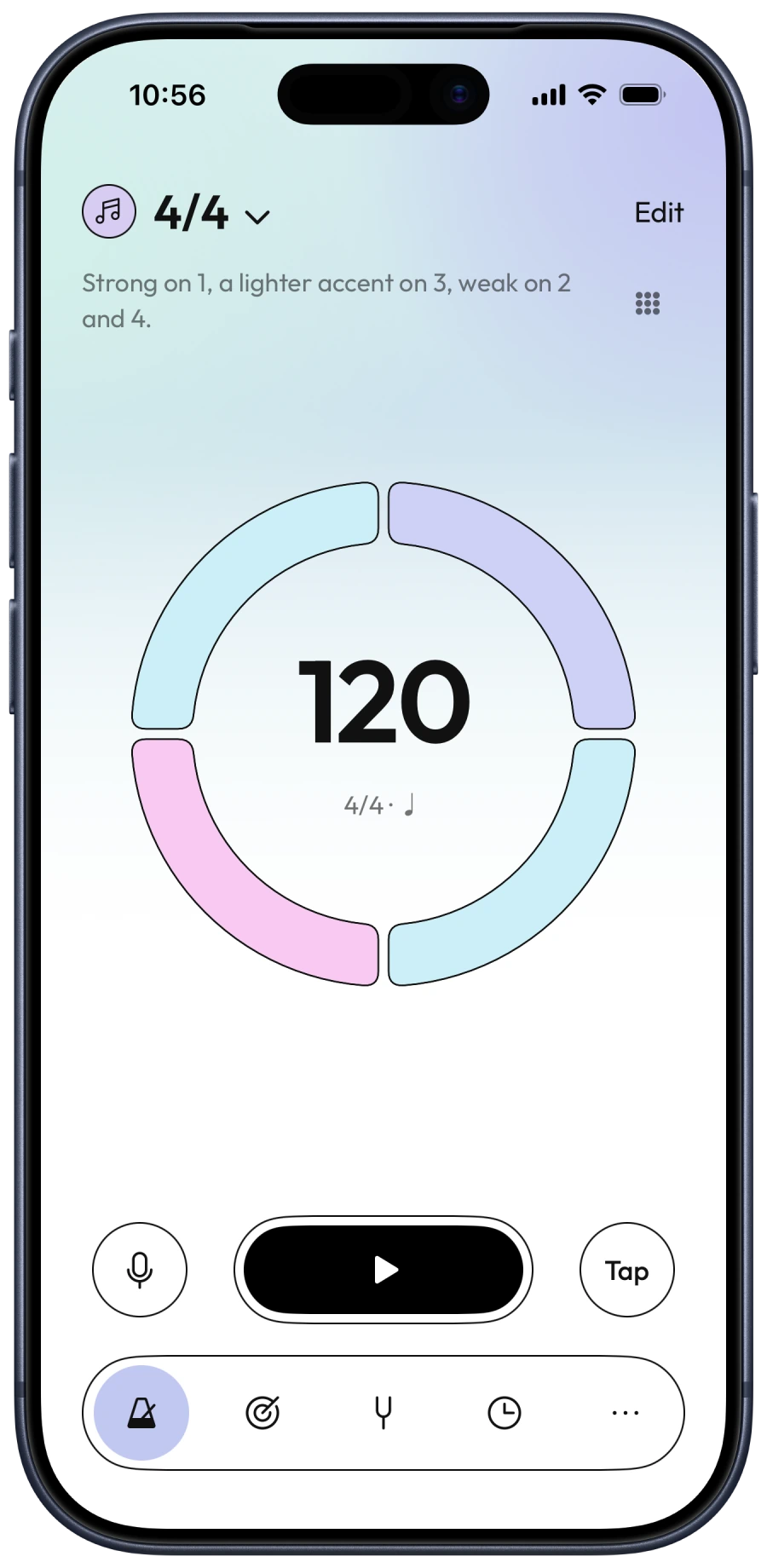
BeatCraft ready to play a 4/4 preset at 120 BPM, with a four-segment beat ring in Classic Light.

Rhythm, arranged your way

Shape your rhythm.

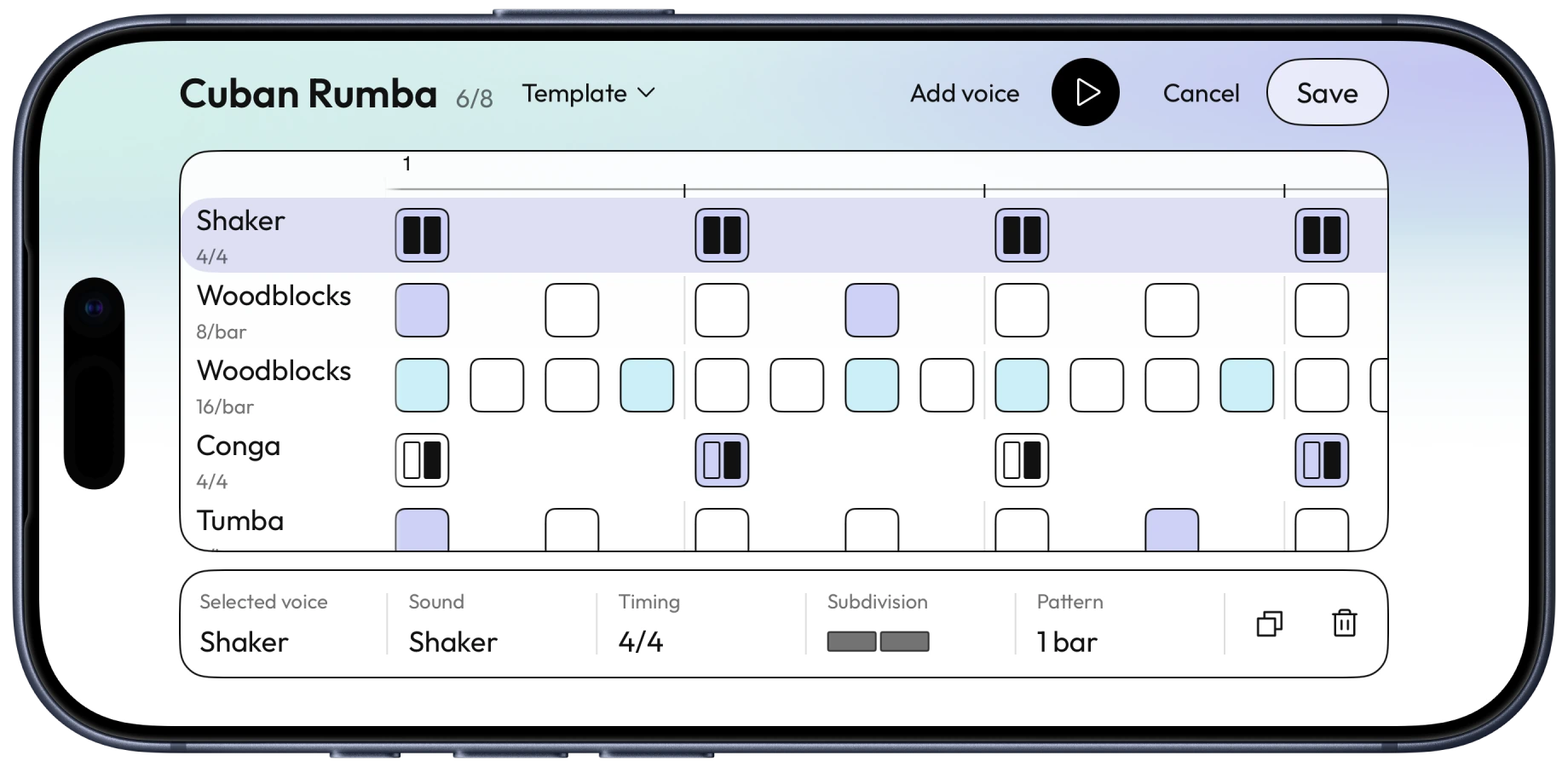
Start with a rhythm template or build your own. Place accents and rests in the Voices grid, then hear the layers together as you play.

Cuban Rumba in the Voices editor, with six percussion parts and a grid of accents and rests.
Build the pattern in the Voices editor.
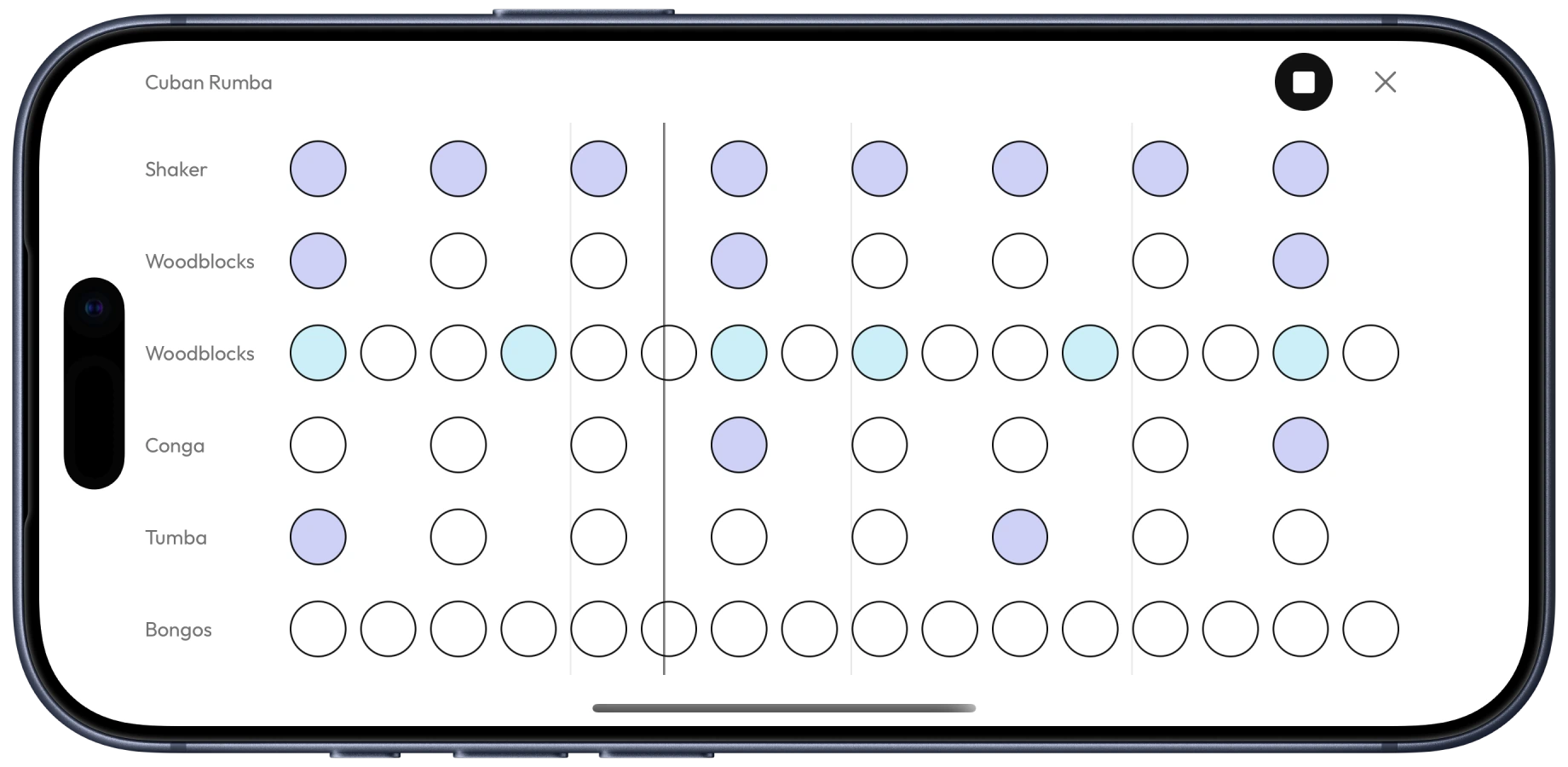
Cuban Rumba in the full-screen rhythm grid, showing how the percussion patterns line up during playback.
Follow the parts together in Full Screen.
Layer the pulse.
Combine voices, choose their sounds, and bring individual layers in or out.
Think beyond one bar.
Build repeating patterns across multiple bars, with the accents exactly where you need them.
Hear the count.
Spoken counts mark the beat while you play, in nine languages. Add a count-in when you need a moment to get ready.

From rehearsal to the stage

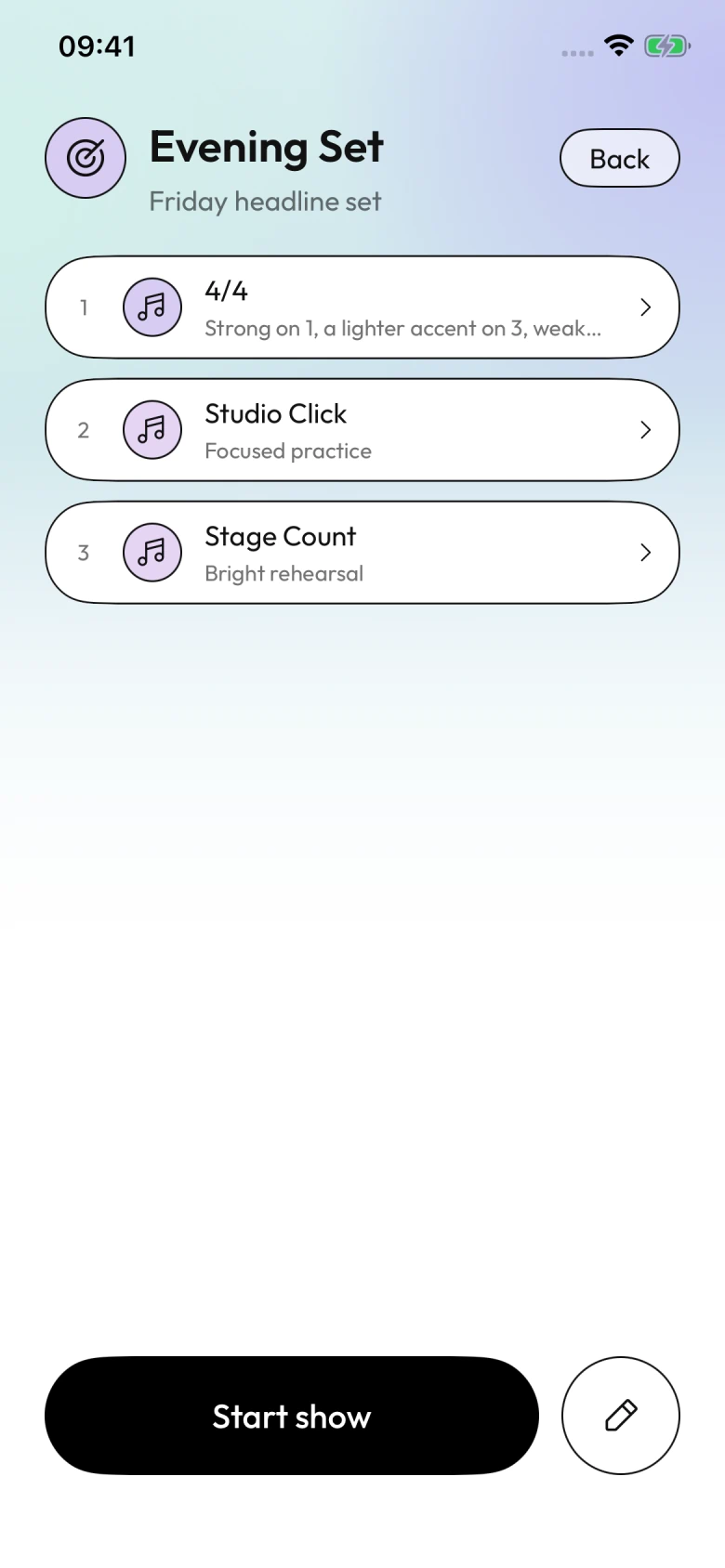
Your set,
ready to play.

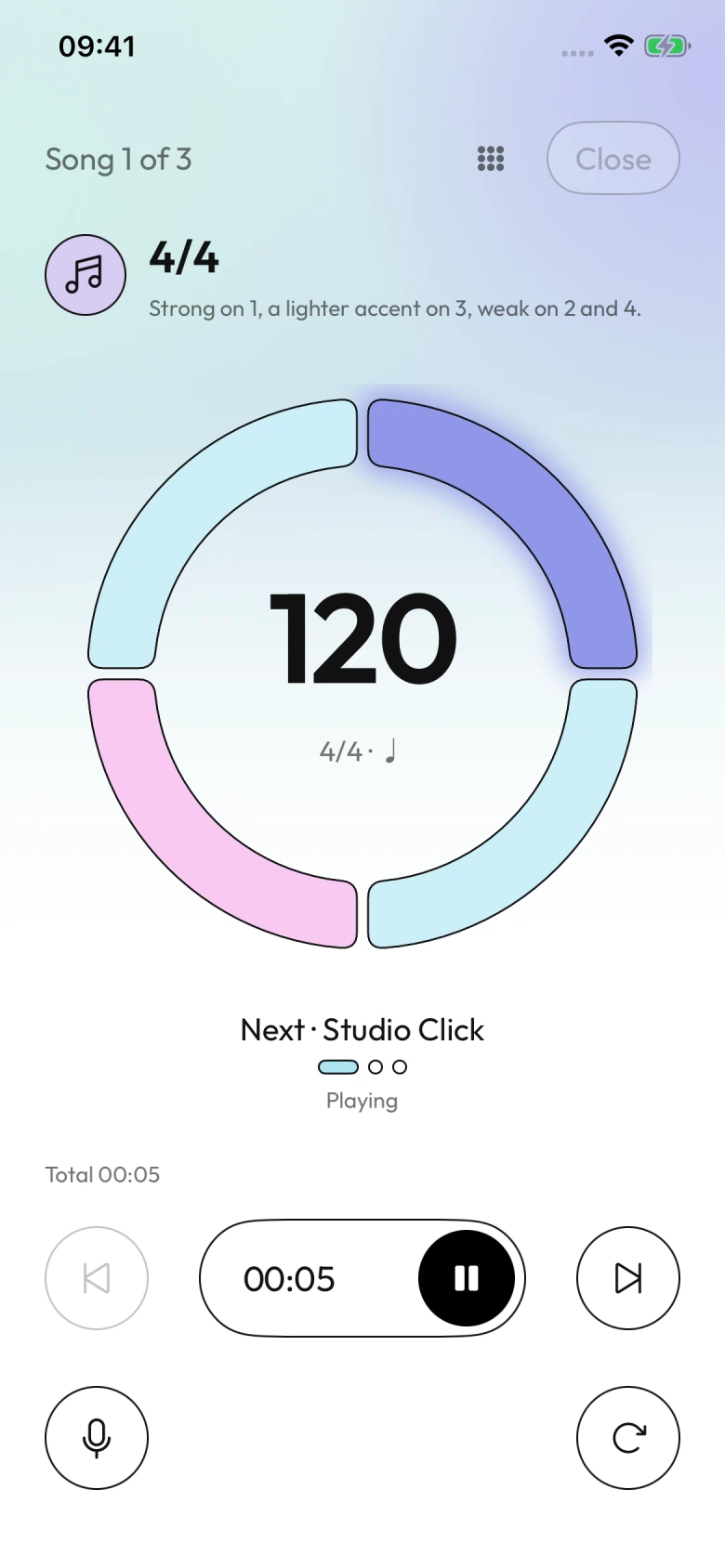
Put your presets in playing order. Rehearse the transitions, then take the same setlist into performance mode.

Prepare once.
Keep each song’s tempo and rhythm in a reusable preset.
Stay with the music.
See the next preset while you play, or open Full Screen for a larger beat display on stage.

Make every session count

Build timing,
step by step.

Let the tempo change with you. Leave space in the click. Turn a saved rhythm into a focused session.

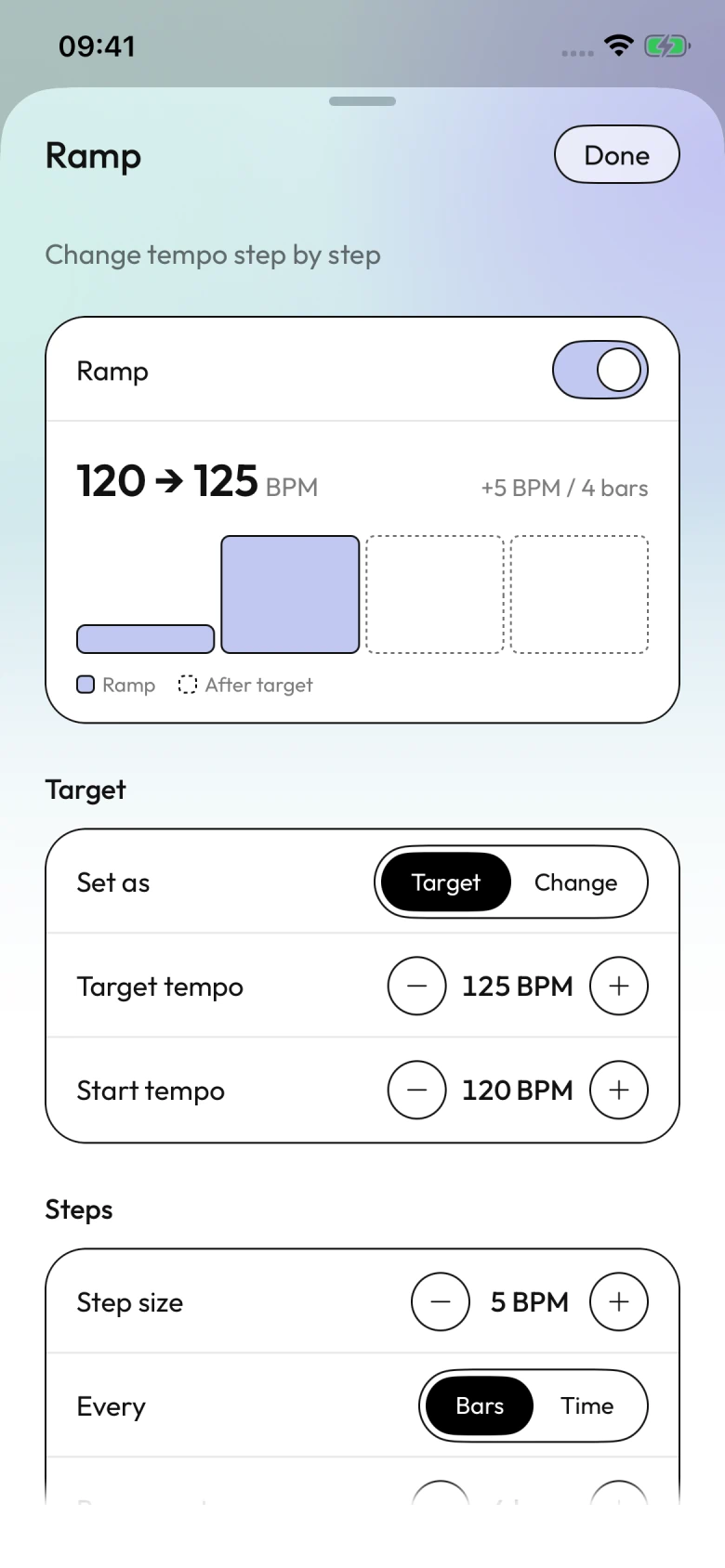
Ramp enabled from 120 to 125 BPM, increasing by 5 BPM every four bars.
Ramp the tempo.
Move gradually toward a target tempo, up or down, at the interval you choose.
Find your inner pulse.
Alternate audible and silent bars, or use random mute to challenge your timing.
Give it a beginning and an end.
Set a count-in, add a timer, and build a routine from your saved presets.

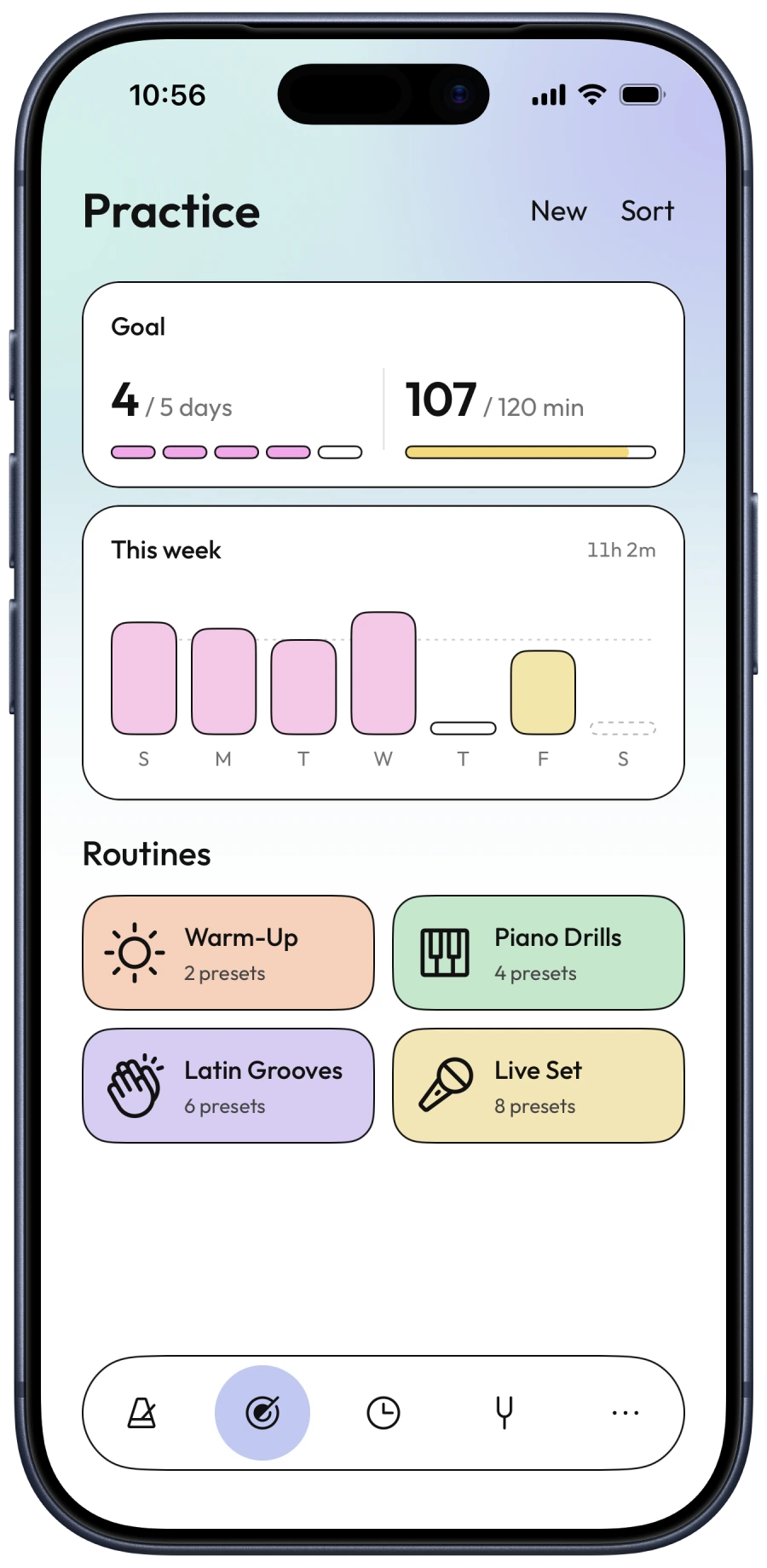
Give practice a plan.

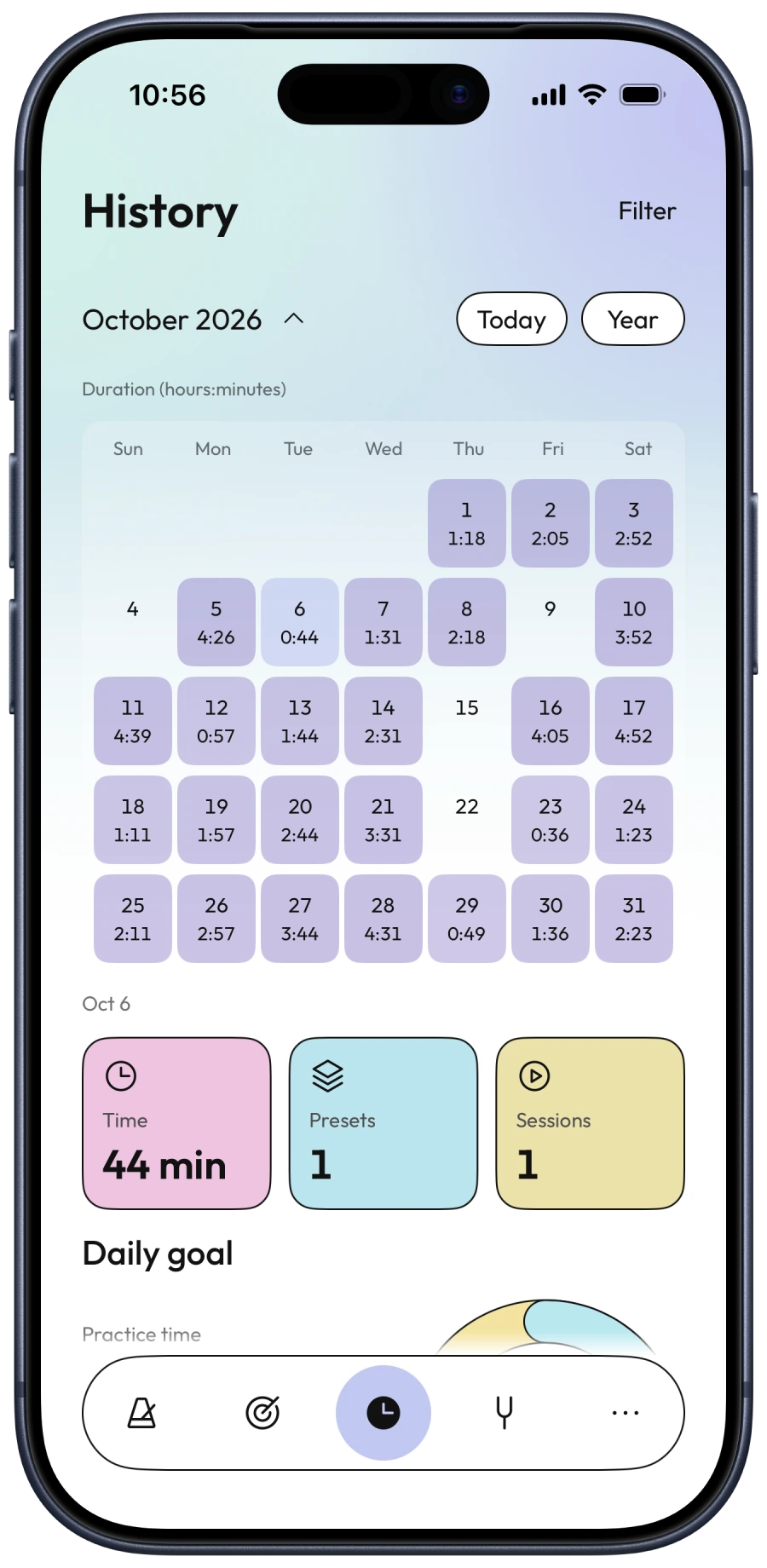
Put warm-ups, exercises and songs into routines you can return to. Set daily and weekly goals, then look back at the time you put in and the sessions you completed.

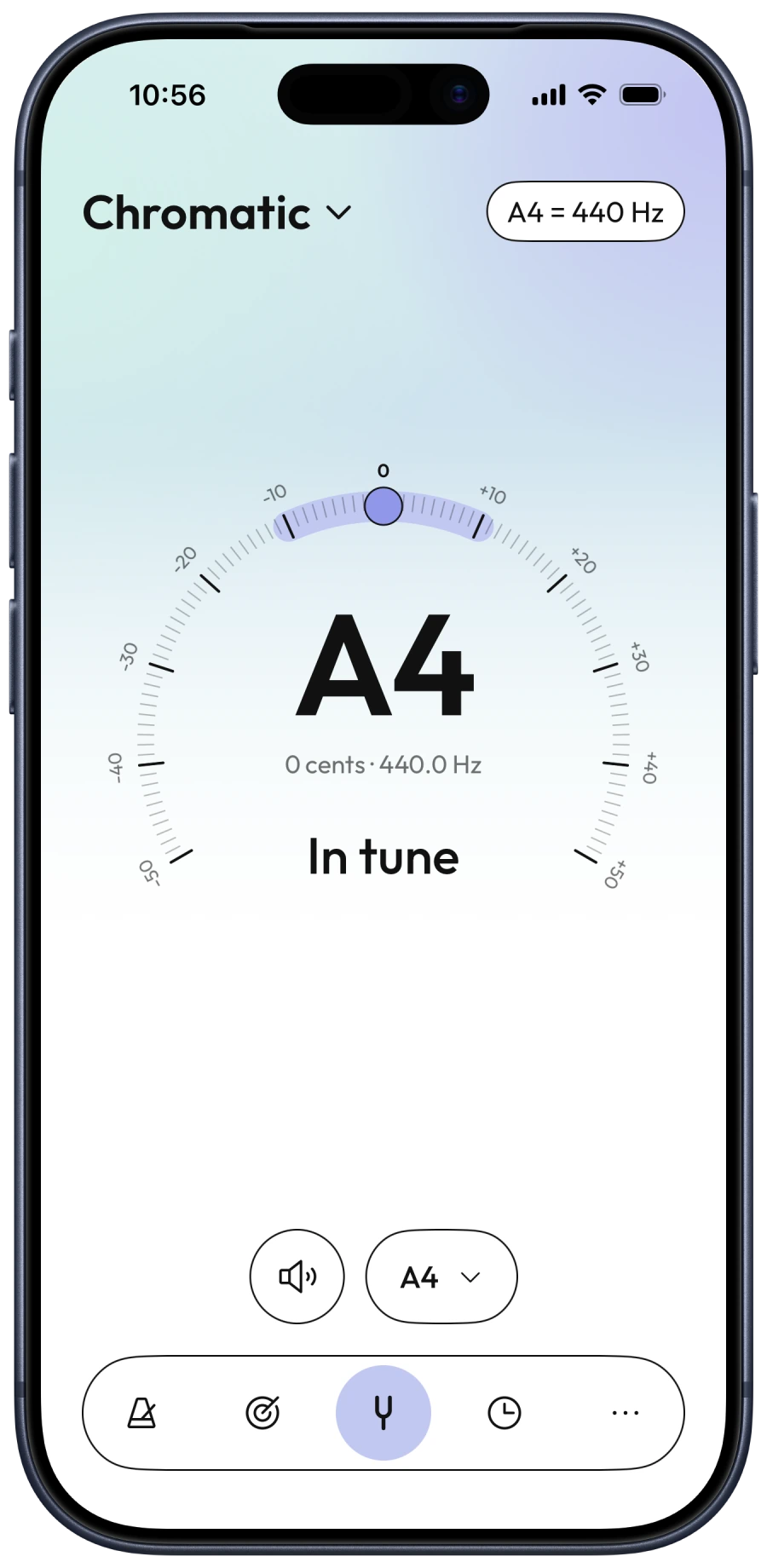
Chromatic tuner showing A4 in tune at 440 Hz and zero cents.

Before and after you play

Tune up.
Listen back.

A tuner, close at hand.
Use chromatic or instrument tuning, adjust the reference pitch and see how close each note is.
Keep a take worth hearing.
Record a session, listen back and share the recording. Hear the details you want to work on next.

Make it yours

A different look.
The same rhythm.

Choose the look that feels right to you. Your presets stay with you when you switch.

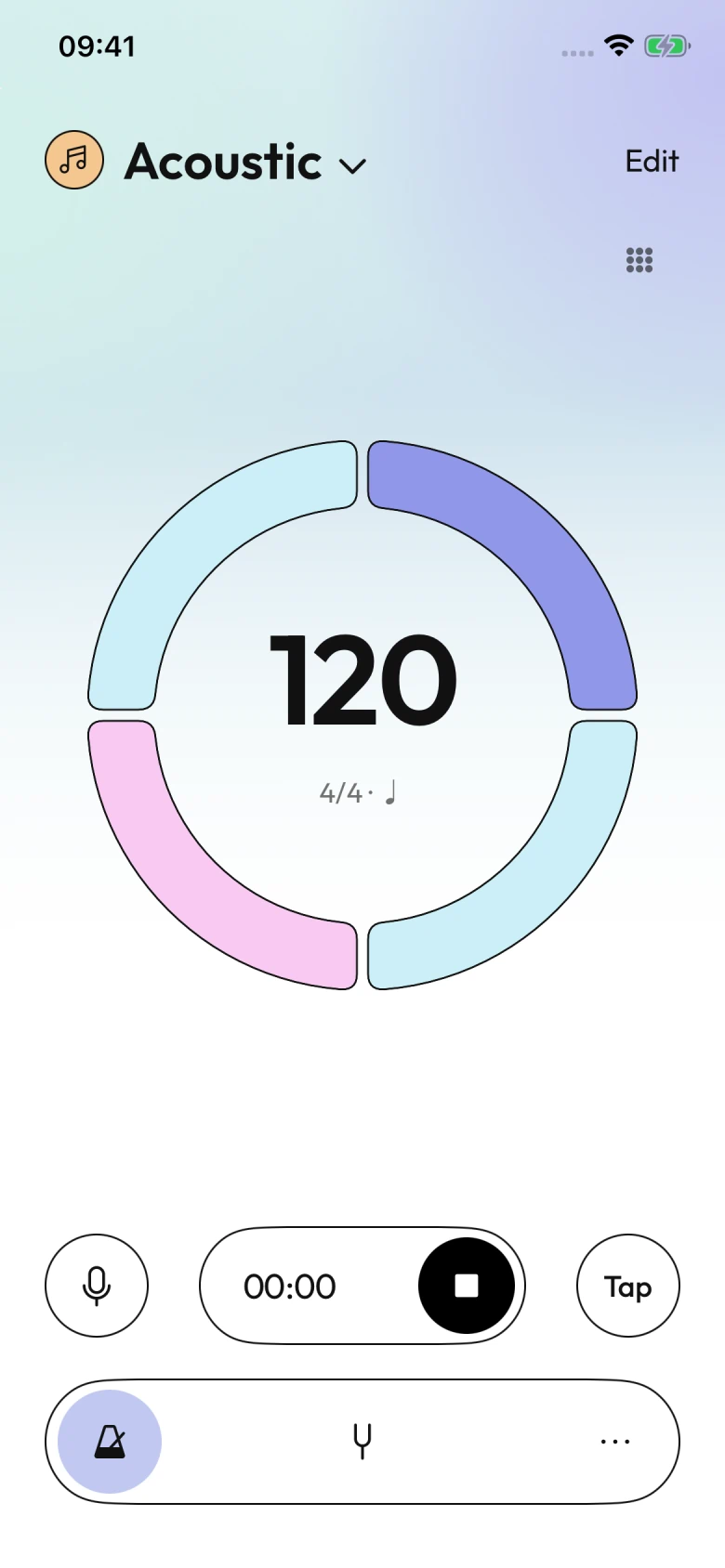
Acoustic playing at 120 BPM in 4/4, with a four-segment beat ring in Classic Light.
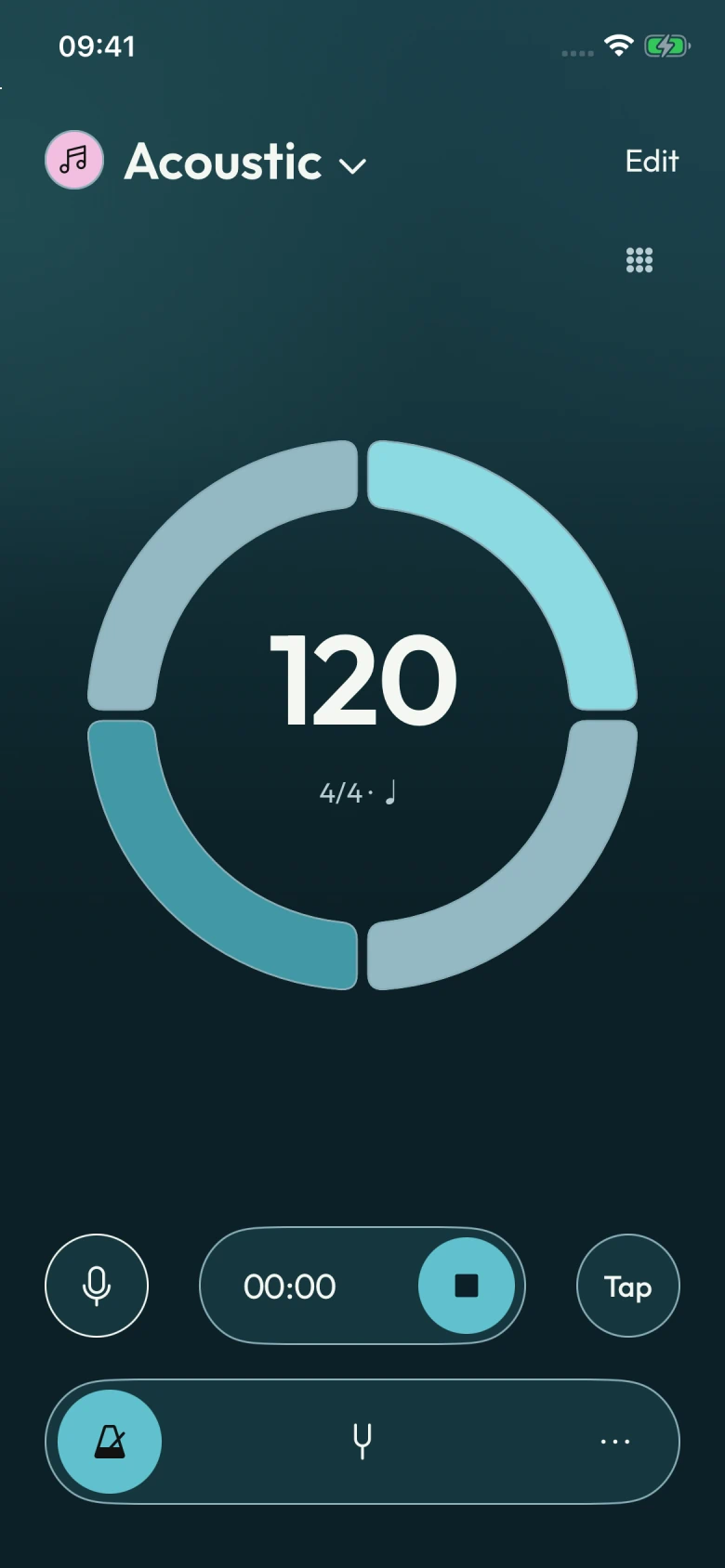
Acoustic playing at 120 BPM in 4/4, with a turquoise beat ring on the Celadon Dark background.
Classic Light in front

Room to grow

Start free. Go further.

Find your rhythm with Free. Choose Pro when you need more room for your arrangements, library and sessions.

Free

Find your rhythm.

The essentials for everyday music.

Rhythm & control

  • Metronome, count-in & timer
  • Multi-voice rhythms
  • Repeating patterns
  • Basic tempo ramp
  • Equal-division voice timing: not available in Free

Tuning

  • Chromatic tuner
  • Essential instrument tunings
  • Save custom tunings
  • Custom instruments: not available in Free

Presets & lists

  • Save your presets
  • Create practice lists
  • Build your setlists

History & experience

  • Practice history
  • Ad-free experience: not available in Free

Pro

More room to create.

Extra space for every way you play.

Rhythm & control

  • Metronome, count-in & timer
  • More voices per preset
  • Longer repeating patterns
  • Advanced tempo ramp
  • Equal-division voice timing

Tuning

  • Chromatic tuner
  • Full built-in tuning library
  • Unlimited custom tunings
  • Custom instruments

Presets & lists

  • Unlimited saved presets
  • Unlimited practice lists
  • Unlimited setlists

History & experience

  • History across all modes
  • Ad-free experience

Free custom tunings apply to the built-in instruments.

Pro is a one-time in-app purchase that unlocks the Pro features and removes ads, with no subscription. See the current price in the app.

A few more details.

Have a question about BeatCraft?

Get support
What can I save in a preset?

Save the rhythm you have shaped: tempo, meter, subdivisions, accents, voices and automation. Reuse that preset on its own, in a practice routine or in a setlist.

Can I use BeatCraft for live performance?

Yes. Arrange your presets in a setlist, then enter performance mode to see the current song and what comes next. Dedicated transport controls let you move through the set without returning to the editor.

Can a rhythm extend across multiple bars?

Yes. Arrange a repeating pattern across multiple bars, then let it loop as you play. The pattern length describes the rhythm you build, not a limit on how long it can play.

Can I change the look without rebuilding my presets?

Yes. Open Appearance in System settings to choose a light or dark palette. Your saved presets keep their tempo, voices and accents.

BeatCraft

Make room for your rhythm.

Available on the App Store

Get BeatCraft